SteadyVane
Daily brief · November 20, 2026

NeonClipping turns a pasted video link into captioned vertical clips, free and on your own PC

3 items that moved, with the numbers. Measured by SteadyVane, fact-checked, and graded before publishing.

NeonClipping turns a pasted video link into captioned vertical clips, free and on your own PC

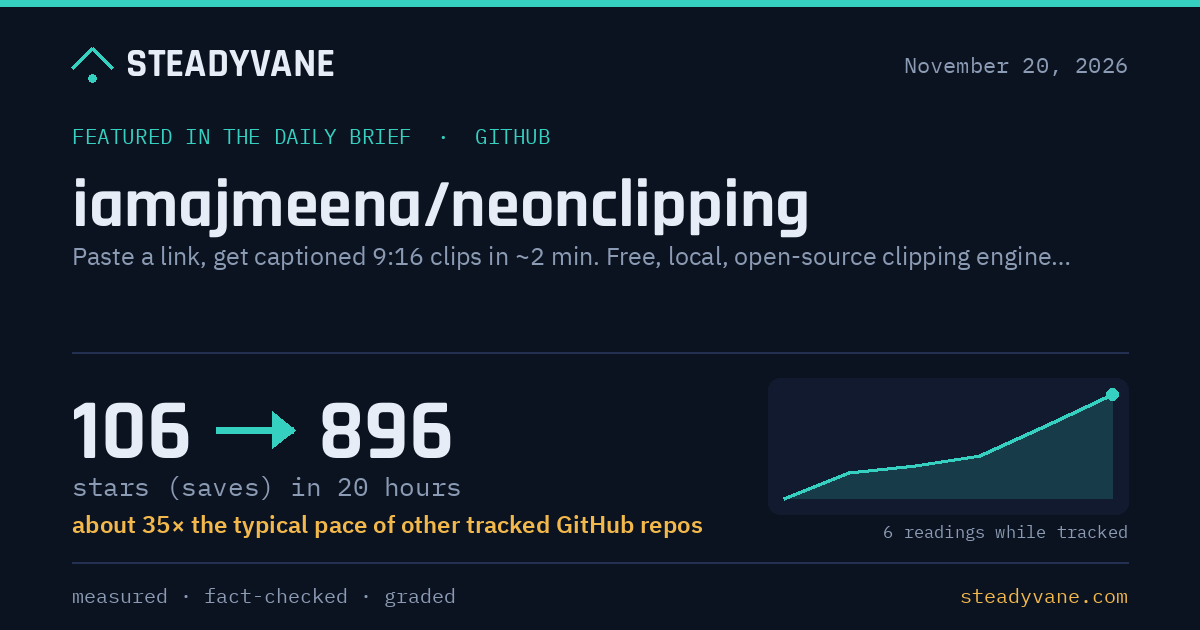
106 → 896stars (saves) on GitHub in 20 habout 35× the typical pace of other tracked GitHub repos

NeonClipping is a free, open-source (MIT) tool that turns a long YouTube, Twitch or Kick video, or your own MP4, into vertical captioned clips with a title and hook for each. It uses a local LLM through Ollama to score moments, and runs on your own PC.

The repo went from 106 to 896 stars (saves) on GitHub in 20 hours - about 35 times the typical pace of other repos SteadyVane tracks on GitHub. It has 36 forks.

Why it matters: It is free and runs on your own PC, so trying it costs setup time rather than a subscription. The thing to test is whether its picks of moments are any good.

Free and local is the pitch. Whether it picks the right moments is the test.
Onlook is an open-source visual editor that lets designers edit real code with an AI agent

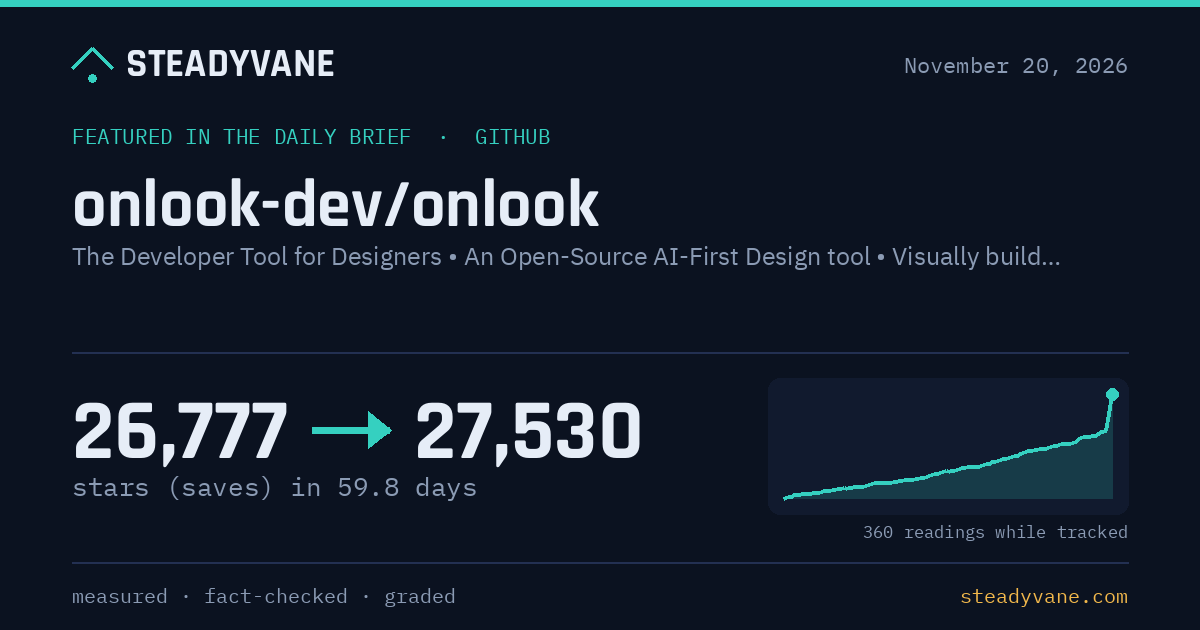
26,777 → 27,530stars (saves) on GitHub in 59.8 days

Onlook is a free, local-first editor for working on code visually. It opens any Git repository on your machine and runs the project's own dev server, so the design surface is the real product rather than a mockup. Chat requests go to a connected AI agent such as Claude Code or ChatGPT/Codex, which edits the files in your repository.

The repo went from 26,777 to 27,530 stars (saves) on GitHub in about 60 days, a gain of 753. It has 2,165 forks. SteadyVane's measurements do not show it moving faster than other repos it tracks.

Why it matters: Designers who want to change real components instead of handing off mockups get an open-source option that works inside the repo they already have. The source build needs no Onlook account, cloud keys or .env file, which lowers the cost of trying it.

A slow, steady climb in stars (saves) is not a launch spike. It means people are still finding it.

How to make an AI animated film from scratch with OpenArt's step-by-step workflow

312,526 → 341,353views of the video in 16 h · 146 commentsabout 9.3× the typical pace of other tracked AI-tool videos

A video tutorial walks through making an animated film with OpenArt, a workspace that turns text prompts and uploaded pictures into animated video. Per the OpenArt site, its Director mode builds a storyboard and turns it into a multi-scene video up to 5 minutes long, and a saved character can keep the same face and outfit across new scenes. The video's description carries a link to OpenArt, so it reads as a sponsored walkthrough.

Views of a video about it went from 312,526 to 341,353 in 16 hours - about 9.3 times the typical pace of other AI-tool videos SteadyVane tracks on YouTube. It has 3,917 likes and 146 comments, and was published about five days ago.

Why it matters: If you make explainers, ads or short stories and have never animated anything, a storyboard-first workflow with characters that stay consistent is the part to watch. Test it against a short piece of your own before trusting a sponsored demo.

A sponsored tutorial shows the tool at its best. Your first scene will show it at its average.

All briefs · What is rising now